

GitHub Codespaces
Start a GitHub Codespace in the repository of your choice:
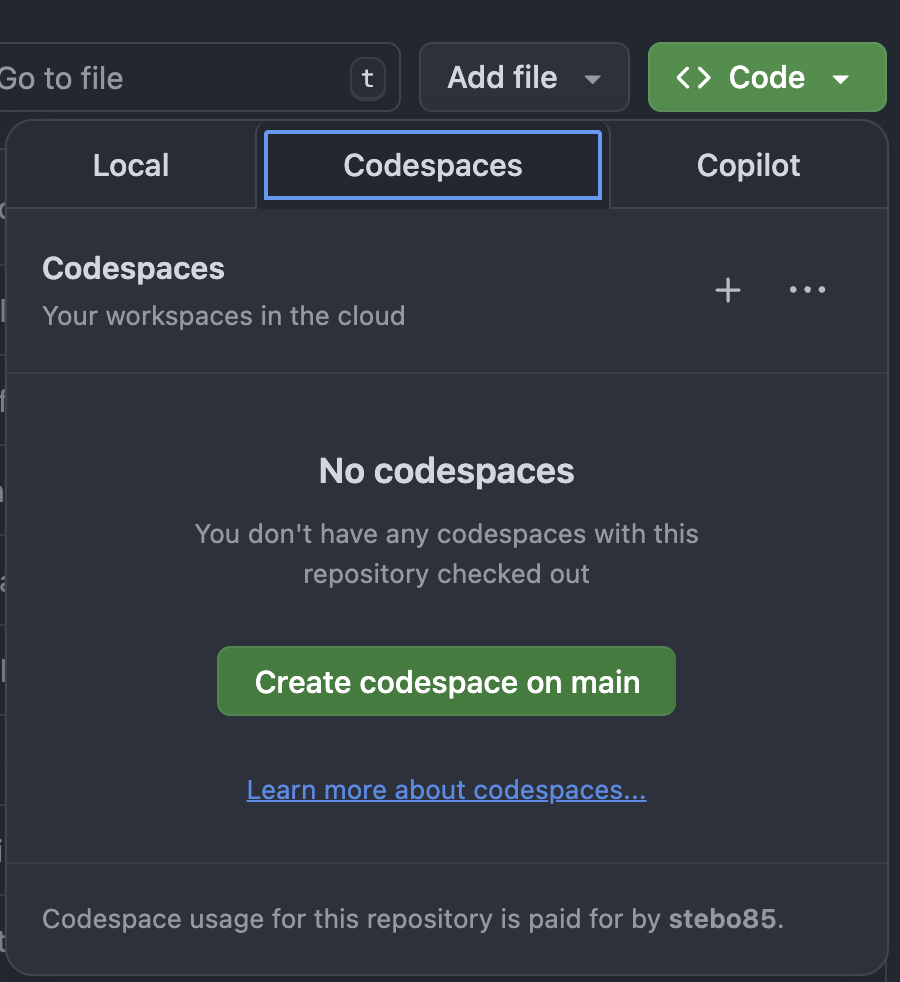
Then start the neurodesktop container in a terminal:
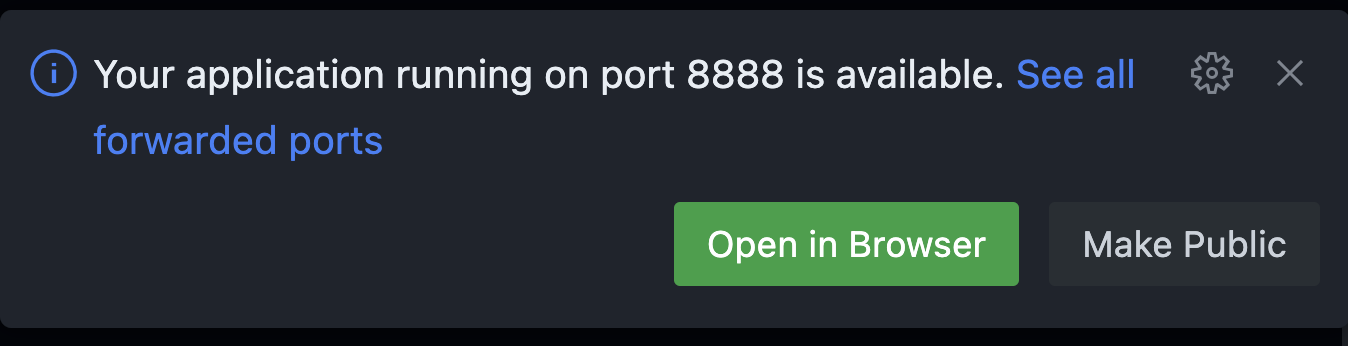
docker volume create neurodesk-home &&sudo docker run \ --shm-size=1gb -it --security-opt apparmor=neurodeskapp --privileged --user=root --name neurodesktop \ -v ~/neurodesktop-storage:/neurodesktop-storage \ --mount source=neurodesk-home,target=/home/jovyan \ -e NB_UID="$(id -u)" -e NB_GID="$(id -g)" \ -p 8888:8888 \ -e NEURODESKTOP_VERSION=2026-04-28 \ ghcr.io/neurodesk/neurodesktop/neurodesktop:2026-04-28Then open Neurodesktop in the browser by clicking the Open in Browser button displayed:
The token for authentication is displayed in the terminal. Look for the URL containing ?token=...:
[I 2025-04-10 01:49:14.301 ServerApp] Serving notebooks from local directory: /home/jovyan
[I 2025-04-10 01:49:14.301 ServerApp] Jupyter Server 2.15.0 is running at:
[I 2025-04-10 01:49:14.301 ServerApp] http://localhost:8888/lab?token=90b9a934f6a76e87e88a9718aada4c6520984694ff853cf2

  To access the server, open this file in a browser:
      file:///home/jovyan/.local/share/jupyter/runtime/jpserver-69-open.html
  Or copy and paste one of these URLs:
      http://localhost:8888/lab?token=90b9a934f6a76e87e88a9718aada4c6520984694ff853cf2
      http://127.0.0.1:8888/lab?token=90b9a934f6a76e87e88a9718aada4c6520984694ff853cf2